Restaurants and retailers still need the same thing: get people through the door, give them a reason to come back, and know whether the promotion paid for itself. Paper coupons and punch cards can work, but they make that last part hard to answer.
Flyers cost money to print, get lost, and are easy to pass around. If the same coupon can be reused, you may get a busy counter and still have no clean answer to a basic question: how many valid redemptions did we get?
Going digital helps, but many coupon systems assume you want scanners, POS work, or extra hardware at the counter. A lot of local campaigns do not need that much machinery.
This guide shows a lighter way to use trackable digital vouchers: one voucher link per customer, redemption on their own phone, and no special hardware at the counter.
The simplest version is the Mark as Used voucher. The customer opens a voucher page on their phone. Staff check the offer, then tap one button to redeem it.
Each customer gets their own secure voucher page. Once staff tap the button, the voucher is marked as used and cannot be redeemed again.
That is the same in-store digital vouchers pattern Coupon Carrier uses for physical locations: each guest gets one link, and it can be redeemed once.
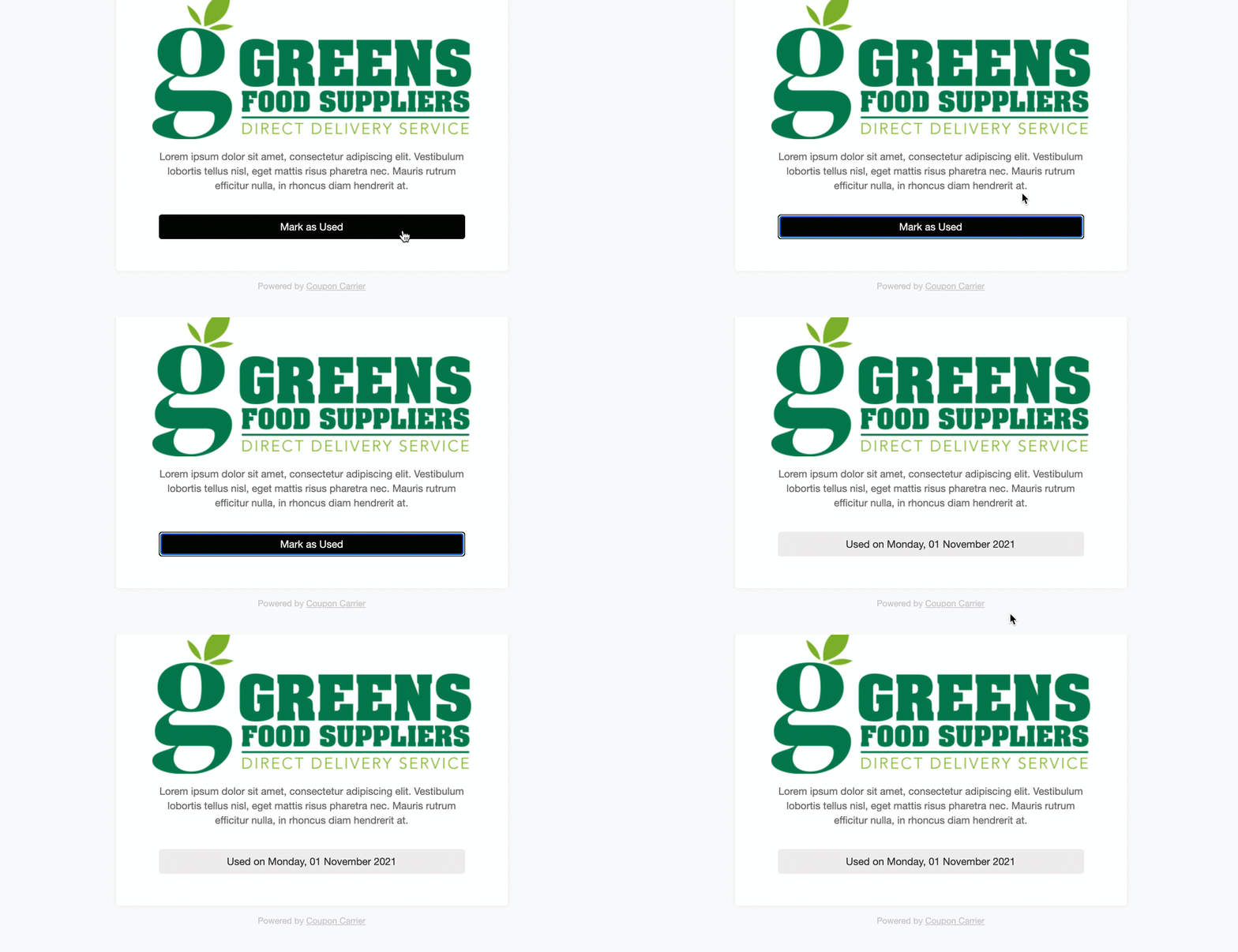
This is how our restaurant and retail setup works, with no hardware involved. It keeps reuse under control and gives staff one clear thing to do at redemption time.
One common use is a table tent in a restaurant or a package insert in a retail bag. The printed piece sends customers to a signup form, and the voucher arrives by email.
Here is the flow:
Pick something worth scanning for. For example:
In Coupon Carrier, create a landing page with the Public Signup Form feature. Add your logo and a short message that matches the offer.
Take the unique URL for your Public Signup Form and turn it into a QR code with any free QR code generator.
Print this QR code and place it where your customers will see it:
The sign should have a clear call-to-action: "Scan Here for a Free Appetizer on Your Next Visit!"
For larger print runs with a unique QR on each piece, Coupon Carrier supports printable vouchers in bulk.
From there, the handoff is automatic:
Mark as Used covers many campaigns. Use the Mobile Scanner Service when you have multiple locations, want to track redemptions by staff member, or need to work with codes generated by your POS system.
The scanner runs in a browser on a staff smartphone. When a customer presents a QR code, staff scan it, and a valid code is redeemed on the spot. The scanner shows Accepted, or a message such as Already redeemed or Invalid code if the code can’t be used.
The signup form approach works for walk-in traffic. But what if you want to trigger voucher delivery from somewhere else? A CRM tag, a purchase event, a registration form on your website.
Zapier connects those systems to Coupon Carrier. When a specific event happens in another app, Zapier runs and Coupon Carrier creates a unique Redeem Link for that person. The customer gets the same digital voucher with a QR code and "Mark as Used" button. The only difference is what triggered it.
A few examples: someone fills out a Google Form and gets a voucher. A Stripe payment goes through and the buyer receives a reward code. A contact gets tagged in your CRM and an offer lands in their inbox. Each voucher is still unique to one person.
The full setup is in our Zapier guide. For industry-specific examples, see how this works for restaurants, events, and offline redemption.
Digital vouchers give physical businesses a cleaner way to run offers: one voucher per person, one redemption, and reporting you can actually use afterward.